
Day 7: The CRAFT Framework: A Practical AI Prompting Framework for Everyone
Getting more out of AI means better prompts. So how do I do that?

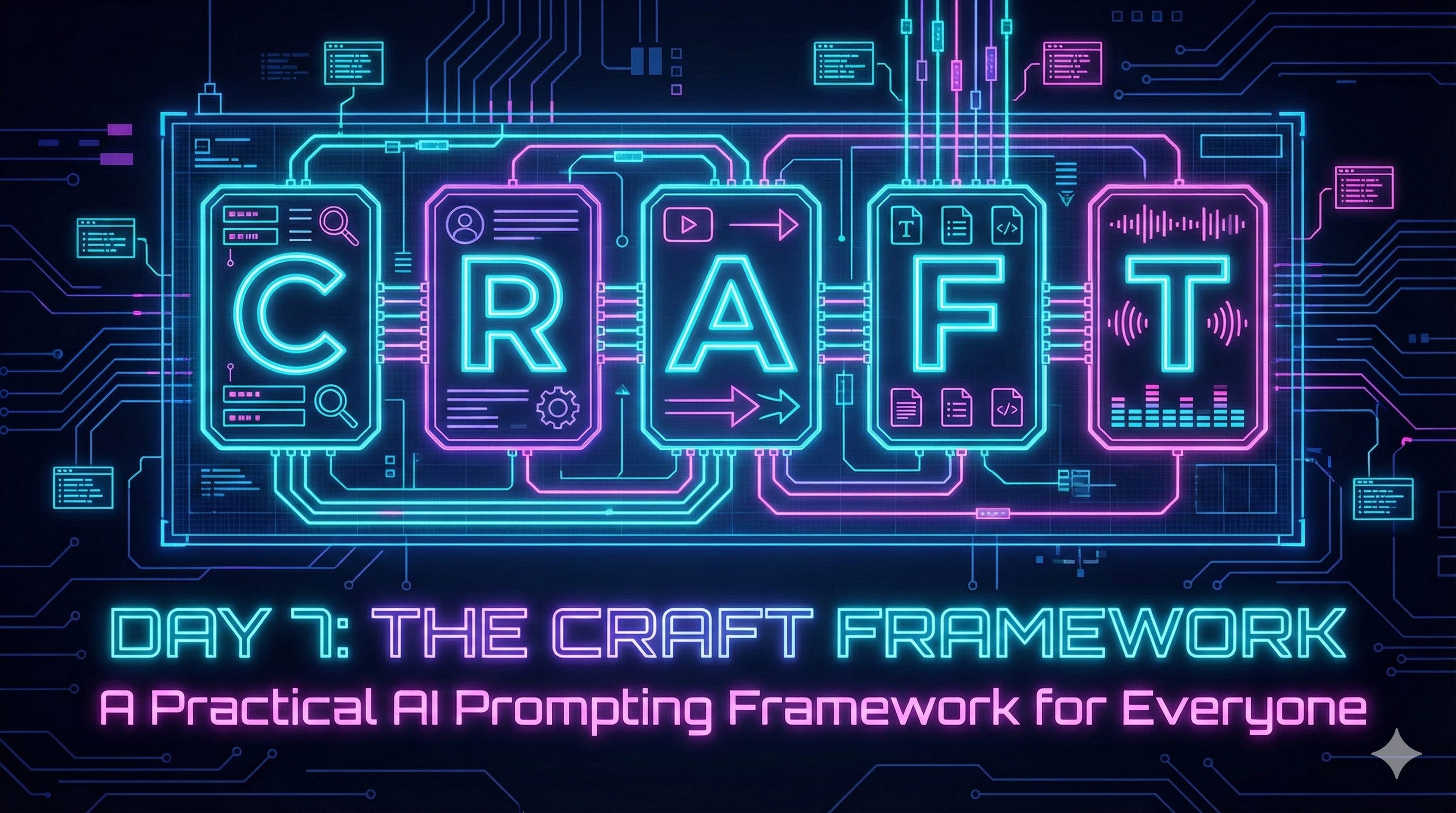
TL;DR: Use the CRAFT framework (Character, Request, Assets, Focus, Tune) as a mental checklist to build powerful prompts. This structure ensures you give the AI the right context, audience, and constraints every time.
This was adapted from my original post on Substack and shorted for this email.
To get more out of AI, you have to put more into it. CRAFT gives you a framework for giving AI tools the context they need to do the job. Plus bonus free, no strings, no email download at the end.
On Day 4 I talked about how generic prompts give you generic results. And told you that on Day 7 (today) I’d introduce you to the prompt framework I developed: CRAFT.
In the beginning, it was crap
I think we all started out the same way using generative AI. We heard about ChatGPT and how amazing it was for helping draft emails and blog posts and the solution to world hunger. And we put something like this in the prompt box:
“Draft an email about our new product.”
And got a hallucinated mess with an over exuberant number of emojis and cliches. We have an idea for a blog post, throw a few points in there and ask for a draft. It’s not terrible, but it’s not great either. Then in the final paragraph…
In conclusion…
In conclusion? The only people who still write like that are high schoolers trying to hit a word count or first-year college students panic-writing at 2 a.m. It’s not how professionals write. It’s definitely not how good marketers write.
All these simple, hopeful, and ultimately useless, prompts made us a little jaded about AI. Then we learn a trick or two. We pick things up from others. We try a really good prompt someone selflessly shares somewhere. That’s when we realize that getting good results from AI isn’t magic—it’s a process.
It’s a framework.
How do I summarize my process into a framework?
I’ve been refining my own process for a while now, standing on the shoulders of giants like the amazing folks at Trust Insights (Christopher S. Penn , Katie, John, Kelsey—if you aren’t following them, you should be). Inspired by their frameworks, I wanted to build something that would act as a mental checklist for me—and for you—to ensure every prompt hits the mark.
I had five things I knew my framework needed to have:
Who are you? (the AI)
What do I want you to do?
Other information I’m giving you to work with
Who is it for?
What am I missing?
With some help from Gemini, I came up with CRAFT as the acronym for my framework (all frameworks need a good acronym). Which stands for:
Character
Request
Assets
Focus
Tune.
Because that’s what I do as marketers—I craft. I am a craftsman. I create. I build. Let’s dive in…
C is for Character
The first step is always setting the AI’s character. Who are they? What is their expertise? Who is the AI supposed to be? Give it a real role. Something that you would use to describe the person you would ask to do the job: “You are a marketing expert specializing in B2B SaaS email campaigns.”
Now, the AI isn’t just a text predictor; it’s a specialist. It knows the jargon, the tone, and the expectations of that specific role. It frames everything that comes next.
R is for Request
Now that the AI knows who it is, tell it what to do. This seems obvious, but people often bury the lede and confuse AIs with conflicting tasks. Be specific. “I’d like you to draft a landing page for our new product release that will attract customers to sign up for a demo.”
Simple. Direct. Focused. It pivots from the character directly into the action.
A is for Assets
This is a step a lot of people skip and why most prompts don’t give the results people are looking for. You can’t expect the AI to give you a great landing page about your product without anything to go on. You need to give it some Assets to work with. Assets give the AI more context for what it’s doing. It has grounding in your product, what it does, and who it’s ultimately for (your ICP).
“Here is our product documentation.”
“Here is a list of key features.”
“Here are the release notes.”
“Here is our Ideal Customer Profile (ICP).”
“Here is our website style guide for how content is written.”
These are your knowledge blocks. By feeding these assets into the prompt, you are building a space for the AI to play in. You are telling it: “Use this information, not your best guess or what you think would be helpful.” You’re narrowing the probability set down to your specific task and need.
F is for Focus
We often assume the focus is on us, but if the output is an email to a client, a proposal for a prospect, or a blog post for your customers, that person is the focus. This small distinction changes the tone entirely.
If I’m doing deep research on a client or industry to build an AI persona, I tell the AI: “This isn’t for me. I don’t want fluff. I don’t need ‘human-readable’ prose. I need raw data, sources, and density. This will be used as a knowledge block for another prompt to understand the client better.”
If I’m researching for a client, I tell the AI: “This is for a busy C-level executive who values brevity and bottom-line impact.” I might even take the “no fluff, just the facts ma’am” report and ask for a two page summary—because it’s often so detailed even a two page summary is pretty rich.
Defining the audience of the output, means your prompt starts to adjust the response for the person ultimately using the output—even if sometimes it’s for a prompt to feed back into the AI.
T is for Tune
This is the secret sauce. This is the “human in the loop” that makes AI powerful rather than just efficient.
I borrowed this technique from Christopher Penn, and it has saved me from more bad outputs than I can count. I end most of my prompts with this instruction:
“Ask me one question at a time until you have enough information to complete the task at hand.”
AI is great at uncovering my blind spots. Maybe I forgot to specify the word count. Maybe I didn’t clarify the call to action. Often when I’m prompting to make a prompt, I get “Have you thought about this use case or situation?” And that always makes me really think about the task at hand. I’m not writing a prompt, hitting enter, and grabbing a coffee; I’m intimately connected to the process.
